 QuizLink
QuizLink
QuizLink
Turn any conversation or webpage into interactive lessons. Use Chrome, ChatGPT, Claude, or Firefox and your flashcards, quizzes, and progress sync automatically.
Realtime sync
Watch how easy it is to create learning materials from any content
Select how you want to connect and follow the setup instructions
 Chrome Extension
 Add to Chrome
Edge, Brave, Opera, and other Chromium-based browsers.
https://mcp.quizlink.net/stream
 Claude Integration
https://mcp.quizlink.net/stream
 Open Claude
Works directly in your browser - no installation required. Your connection is securely stored.
 Firefox Extension
 Add to Firefox - Coming Soon
Firefox support is in development. In the meantime, try our Chrome extension or connect via ChatGPT/Claude!
Everything you need to master any topic
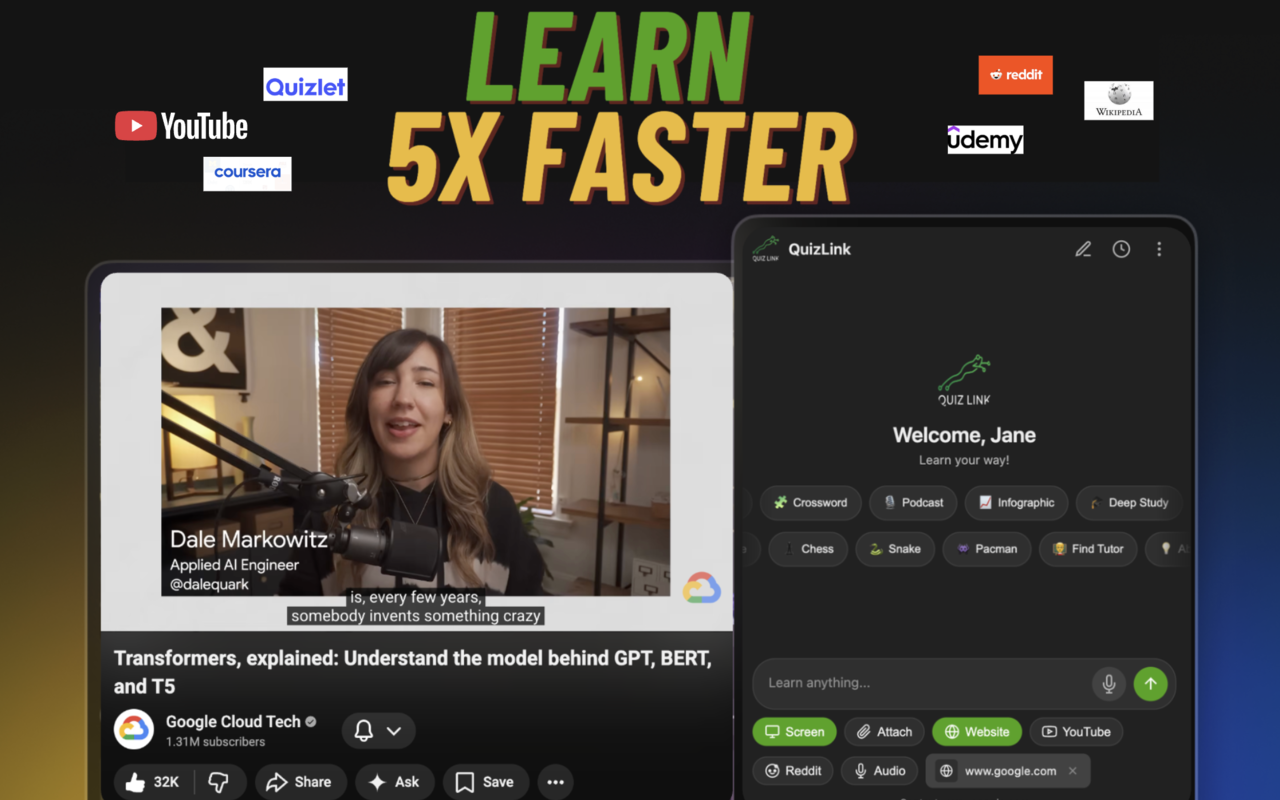
Flashcards, quizzes, podcasts, crosswords - everything synced across all your devices.
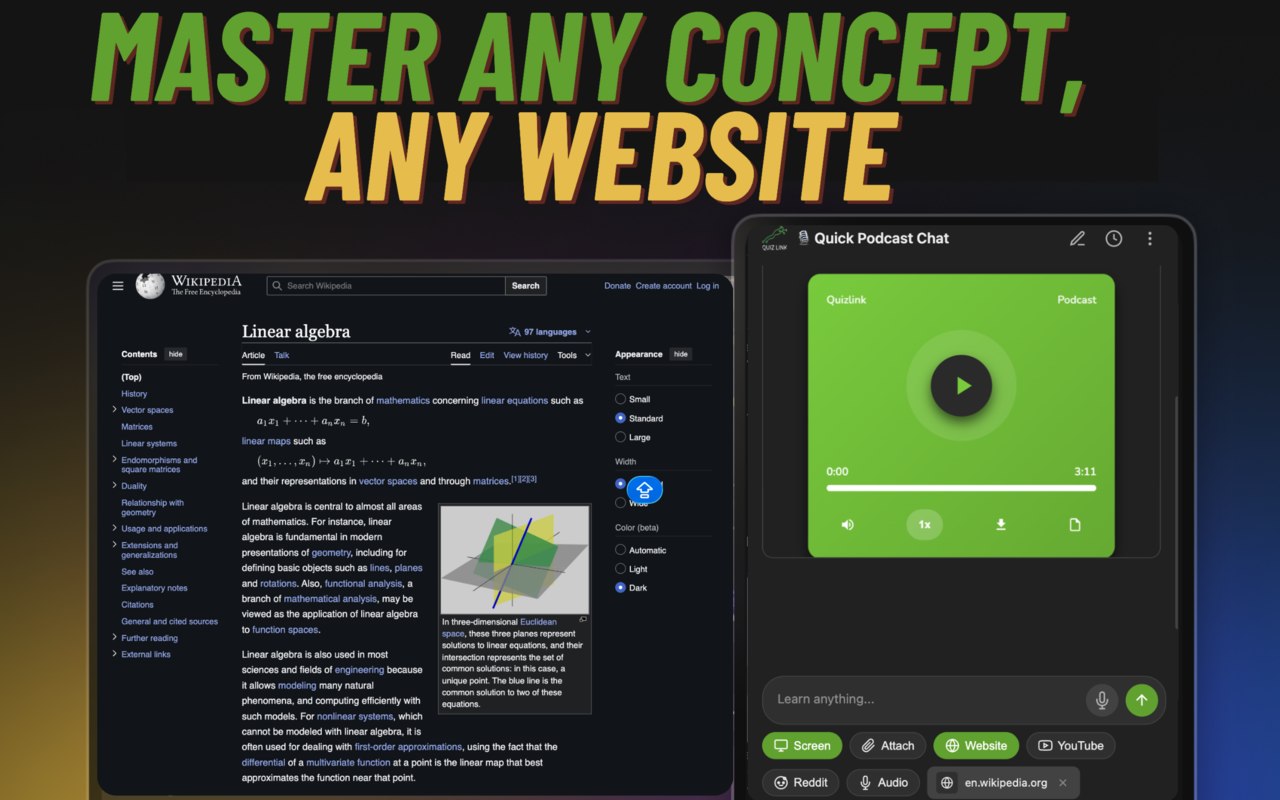
Transform any website or article into podcasts, quizzes, and study materials.
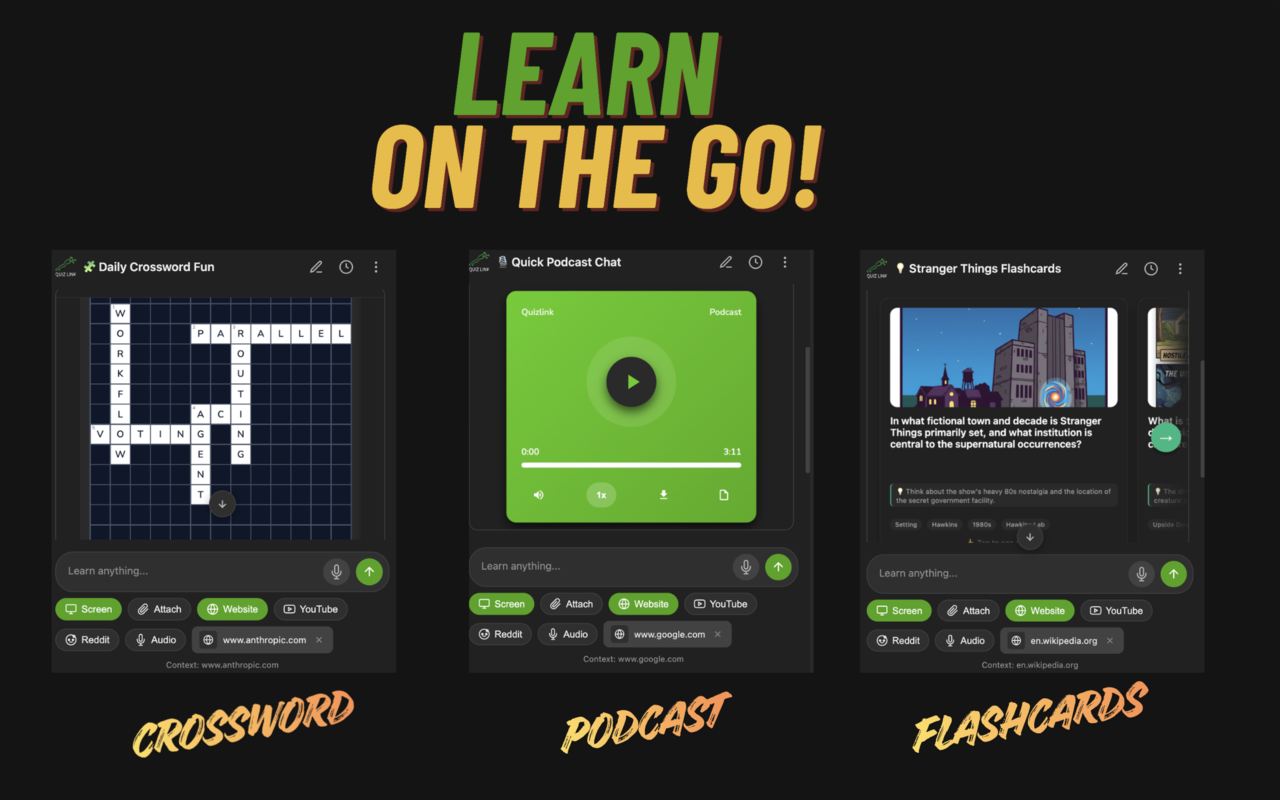
Crosswords, podcasts, and flashcards - study anywhere with mobile-friendly formats.
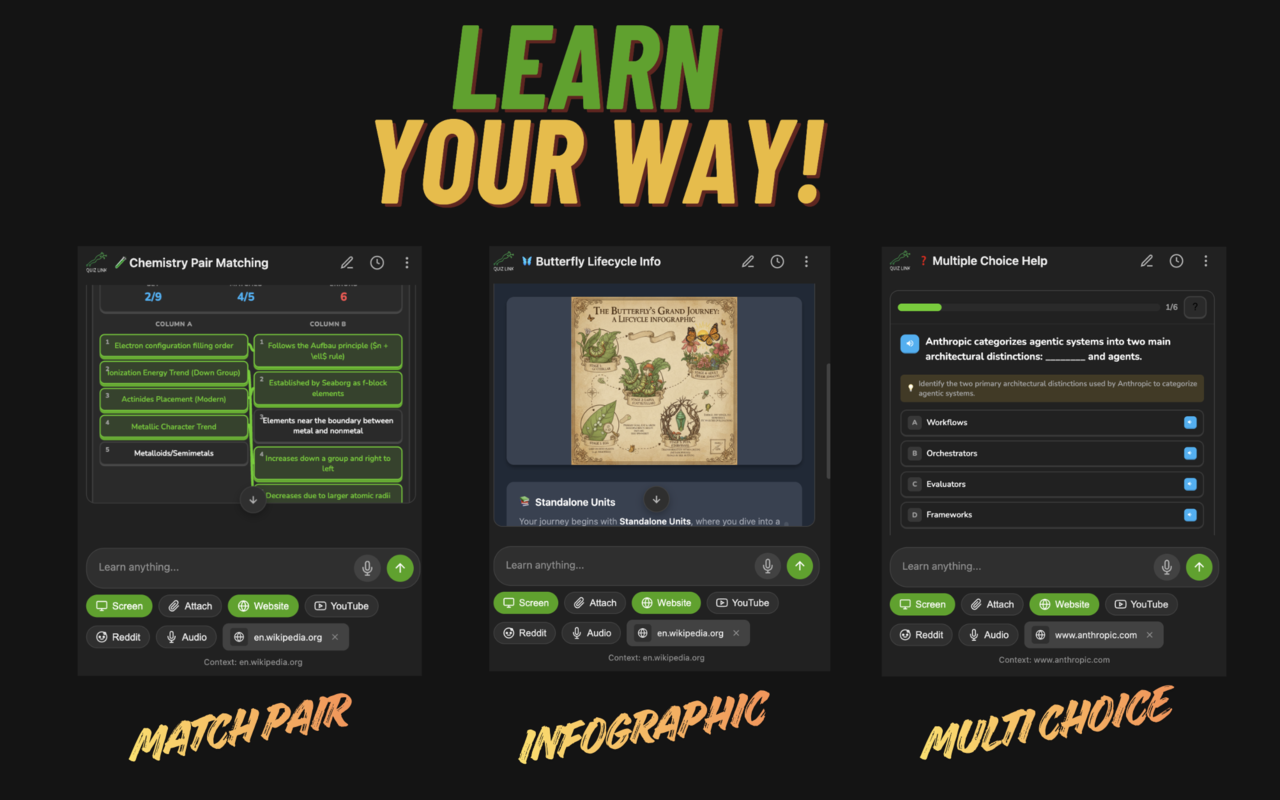
Match pairs, infographics, and multiple choice - pick the format that works for you.
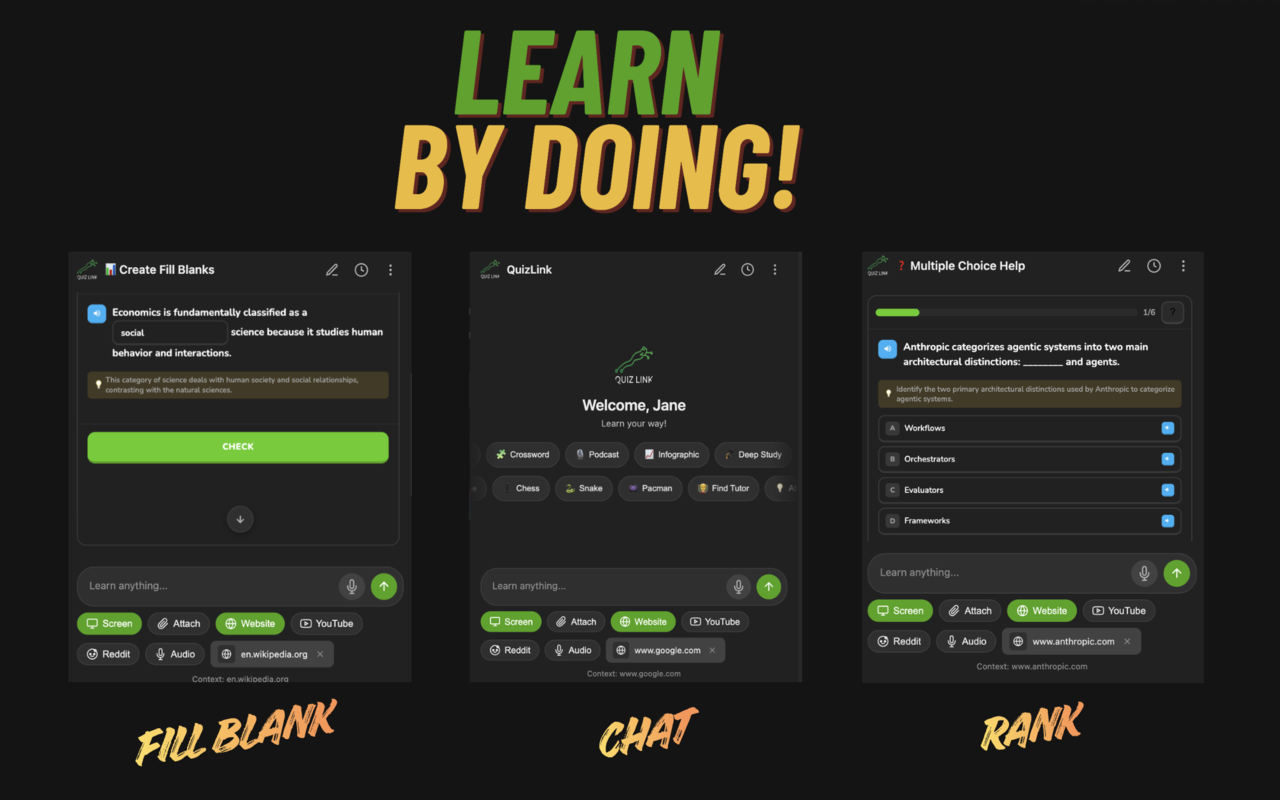
Fill-in-the-blank, AI chat, and ranking exercises for active, hands-on learning.
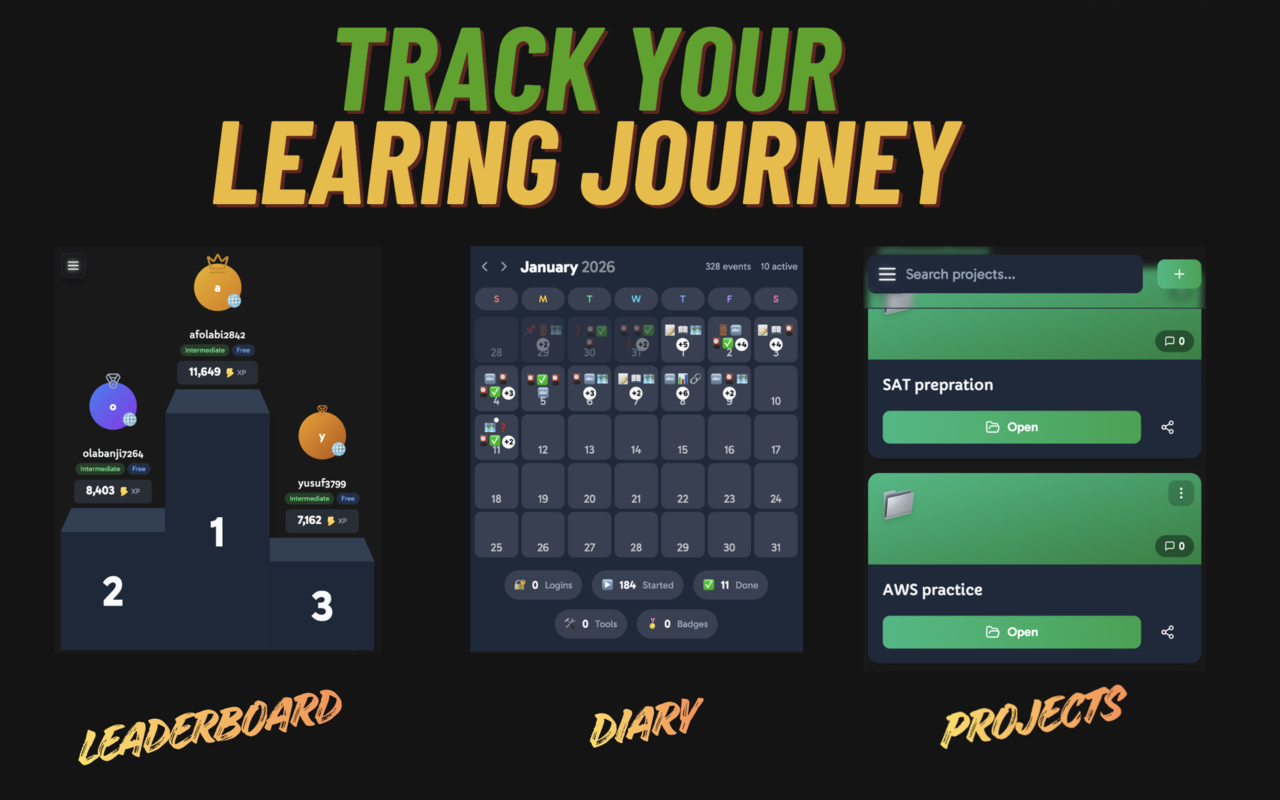
Leaderboards, learning diary, and projects to monitor progress and stay motivated.
Use these with any connected platform
Join thousands of learners who turn any content into interactive study materials.
Get Started Free