 QuizLink
QuizLink
QuizLink
Turn any webpage into interactive learning materials. Seamlessly integrates with YouTube, PDFs, Reddit, and any website to create flashcards, quizzes, and podcasts.
Syncs with QuizLink Web, Mobile & Assistants
Watch how easy it is to turn any webpage into learning materials
Start learning in 3 simple steps
Add the QuizLink extension to Chrome from the Chrome Web Store. It's free to install.
Visit any webpage, YouTube video, or PDF. Click the QuizLink icon or take a screenshot.
Choose what to create - flashcards, quizzes, podcasts, or summaries. Start learning instantly!
Install the extension and start turning the web into your personal learning platform
Also works with Edge, Brave, Opera, and other Chromium browsers
Everything you need to learn from any content on the web
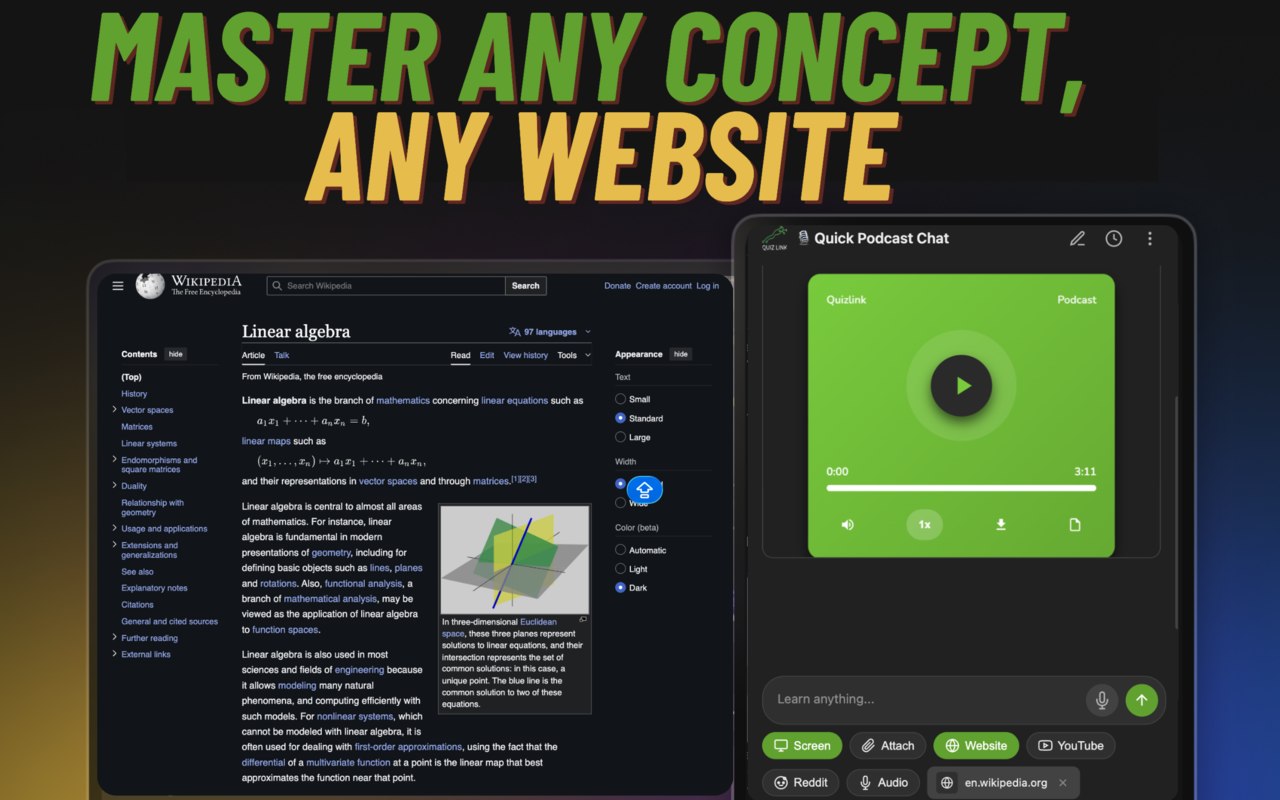
Transform any website or article into podcasts, quizzes, and study materials.
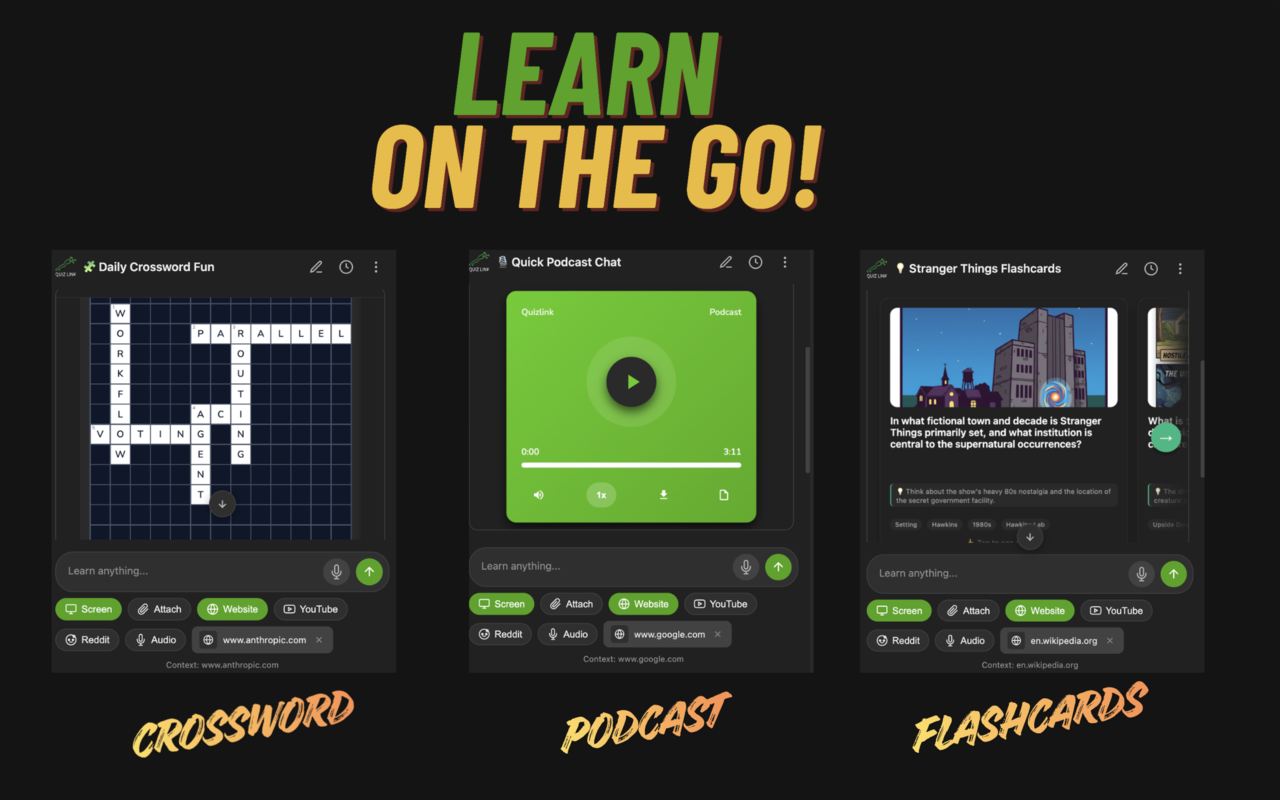
Crosswords, podcasts, and flashcards - study anywhere with mobile-friendly formats.
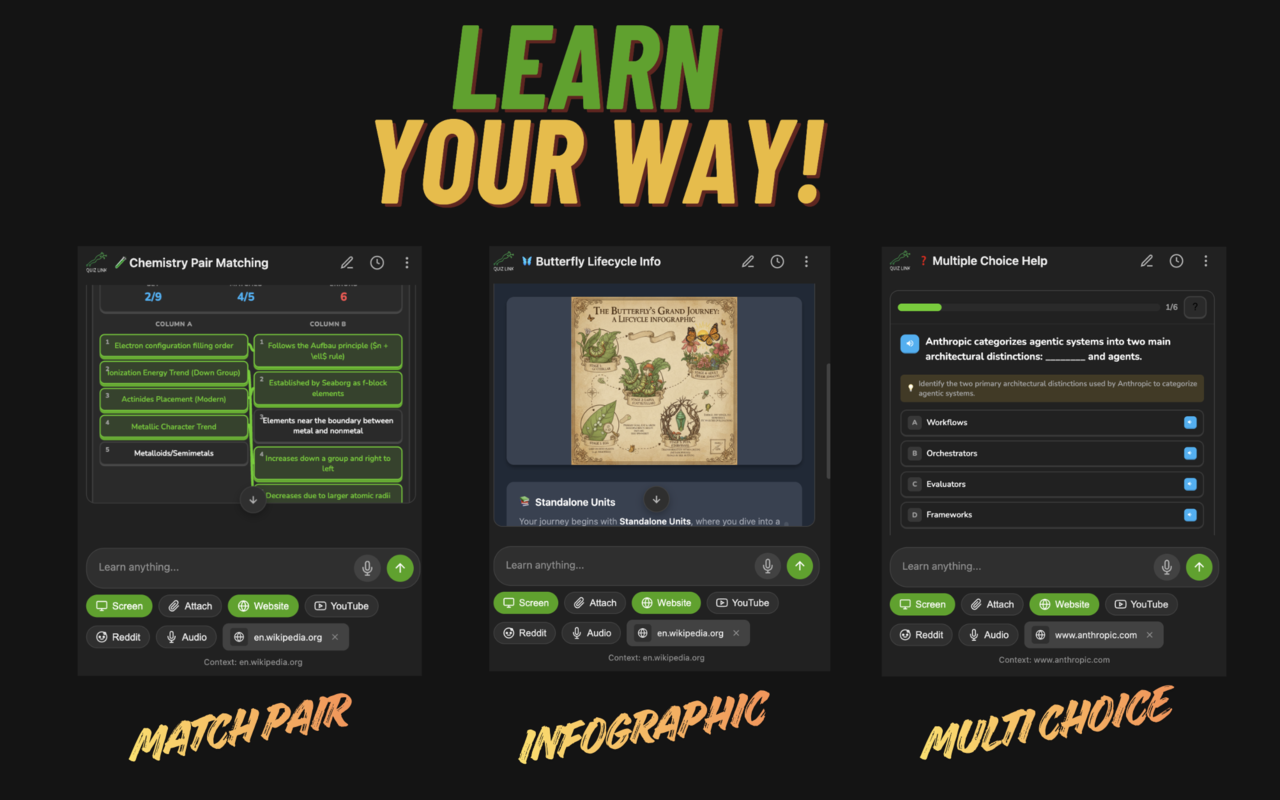
Match pairs, infographics, and multiple choice - pick the format that works for you.
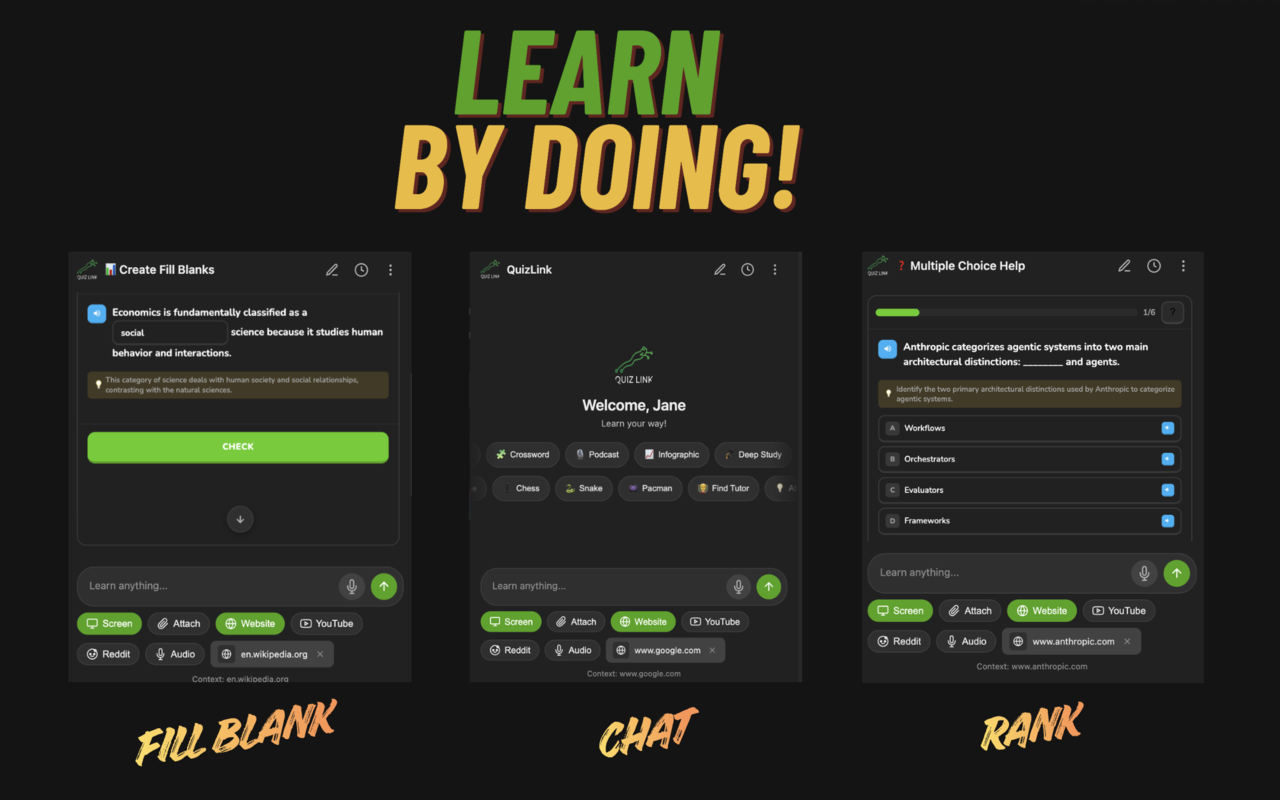
Fill-in-the-blank, smart chat, and ranking exercises for active, hands-on learning.
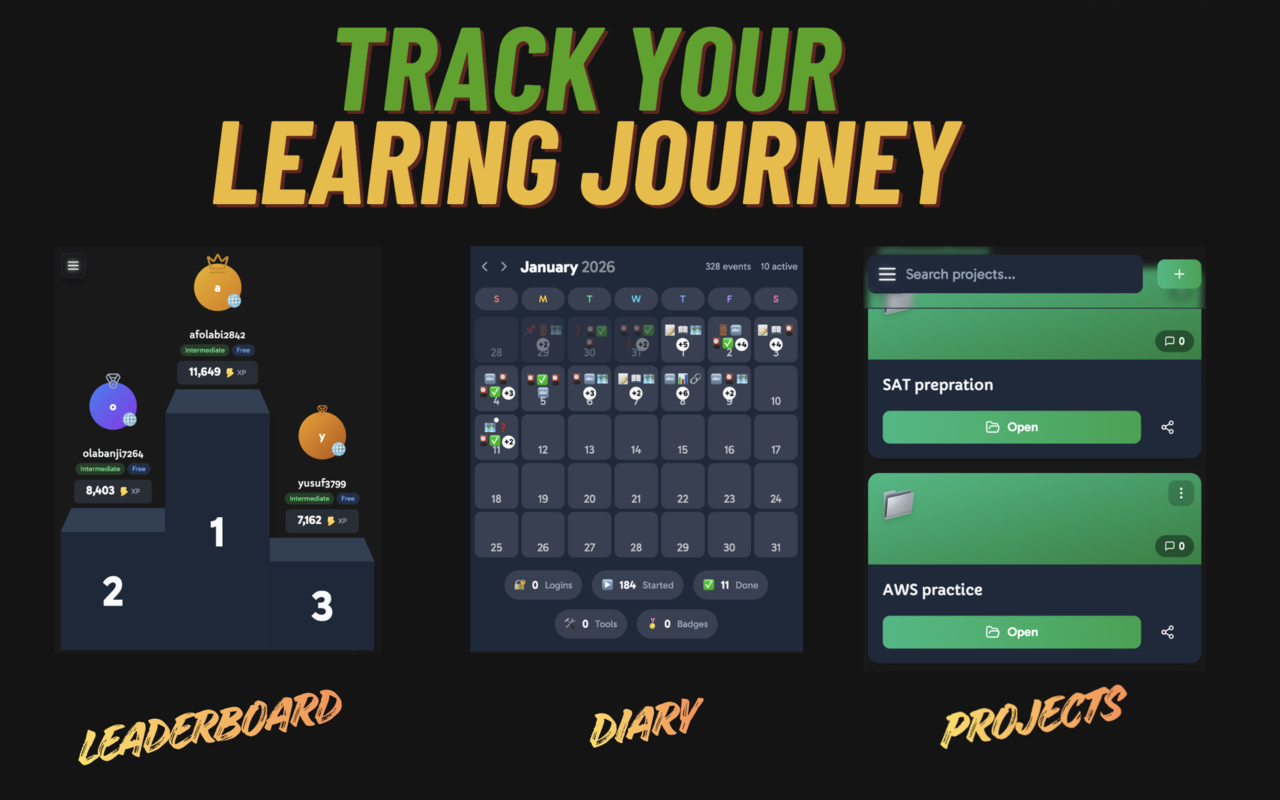
Leaderboards, learning diary, and projects to monitor progress and stay motivated.
See how different learners use QuizLink
Turn lecture slides, online textbooks, and educational videos into flashcards and practice quizzes for exam prep.
Learn new skills from documentation, tutorials, and training videos. Stay sharp with continuous learning.
Process research papers and articles efficiently. Create summaries and key point flashcards.
Join thousands of learners who use QuizLink to turn any content into interactive study materials.
Get Started Free